Carrying Proof of License on Your Phone
There’s nothing quite like the feeling of pulling into your favorite West Virginia hunting spot, coffee steaming in hand, the chill of dawn biting at your cheeks, only to realize your hunting license or conservation stamp is back on the kitchen counter. Or worse, you finally get checked by a Conservation Officer, and your paper license is a soggy, faded mess from a surprise rain shower. These common frustrations can easily dampen an otherwise perfect day afield. This guide is here to walk you through exactly how you can legally and securely carry proof of your West Virginia hunting license right on your phone, offering peace of mind and the convenience modern technology affords us.
The Evolution of Proof: From Paper to Pixels in West Virginia
For generations, a crumpled paper license tucked into a wallet or hunting vest was the undisputed standard. You signed it, laminated it if you were really organized, and prayed it didn't disintegrate over the course of the season. But as our lives have become increasingly digital, so too have the ways we manage our essential documents, and West Virginia has embraced this shift to make things a little easier for us hunters.
What the WVDNR Says About Digital Proof
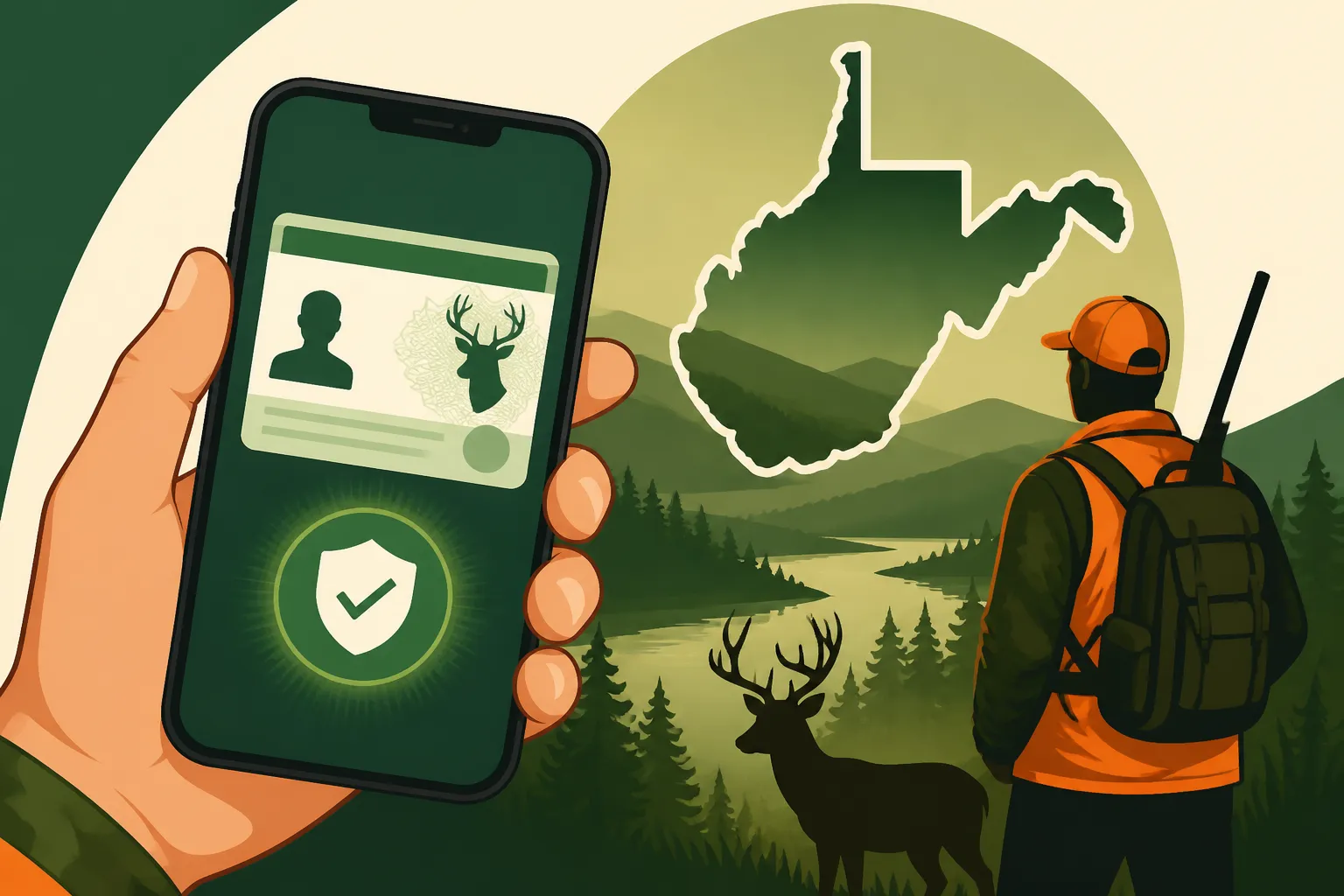
The West Virginia Division of Natural Resources (WVDNR) understands that technology is part of everyday life. You're no longer strictly required to carry a physical paper copy of your hunting or fishing license. Instead, the WVDNR officially recognizes digital versions as valid proof. This means you can display your license and stamps on your smartphone or other electronic device when requested by a Conservation Officer. This is a game-changer for many, eliminating the panic of a forgotten wallet or a ruined paper tag.
However, there's a crucial caveat: the burden of proof is still on you, the hunter. Your digital license must be clearly visible and accessible. This usually means having it displayed through the official Go Wild West Virginia platform or a clear photograph or digital scan of your license that you can easily pull up. It's not enough to just say you have one; you need to be able to show it. It’s always a good idea to ensure your device is charged and functional, as "my battery died" won't fly as an excuse. The system aims for convenience, but it still requires a degree of personal responsibility to ensure your digital proof is always ready. For non-residents, understanding West Virginia Nonresident License Options means getting familiar with this digital system from afar too.
The Clear Benefits of Digital Documentation
Embracing digital proof for your hunting license in West Virginia brings a host of advantages that seasoned and new hunters alike can appreciate. First and foremost is the sheer convenience. Our smartphones rarely leave our side, meaning your license is almost always with you. No more frantically patting down pockets or rummaging through a gear bag wondering if you remembered to grab the right piece of paper.
Beyond convenience, there’s the durability factor. Paper licenses are susceptible to the elements – rain, sweat, mud, or even just repeated folding can render them illegible by mid-season. A digital copy, safely stored on your device, remains pristine. You can access it anytime, anywhere, assuming you have battery power. This also makes it incredibly simple to check your own license details, harvest records, or even share your license information with fellow hunters if needed for group planning, like during Deer Drives With Three or Four Hunters. It streamlines the entire process, allowing you to focus more on the hunt and less on administrative worries.
Another huge benefit is the ability to easily maintain backups. You can email a copy to yourself, store it in cloud storage, or even have it accessible through hunting-specific apps. This redundancy means that even if you lose your phone, you might still be able to access your license from another device, saving you the hassle and cost of obtaining a duplicate.
How to Legally Carry Your West Virginia License on Your Phone
Navigating the digital landscape for your hunting license is actually quite straightforward once you know the steps. The key is to rely on the official channels provided by the West Virginia Division of Natural Resources to ensure your digital proof is always legitimate and accessible.
Using the Go Wild West Virginia System
The official portal for all things West Virginia hunting and fishing licenses is the Go Wild West Virginia system. This online platform is where you purchase your licenses, stamps, and permits. Crucially, it's also where you can access your digital license.
Here’s how it generally works:
- Purchase Your License: First, head to the Go Wild West Virginia website (www.wvhunt.com) or use their dedicated app to purchase your resident or non-resident licenses, stamps, and permits. If you haven't already, take a look at Buying a License on Go Wild West Virginia for detailed instructions on this initial step.
- Access Your Account: Once purchased, log into your Go Wild account. You'll have a profile that lists all your active licenses.
- Display Your License: The system allows you to display an electronic version of your license directly on your phone screen. This digital display is what a Conservation Officer will accept as proof. It's clear, contains all the necessary information, and often includes a unique identifier or barcode for verification. Some hunters find it useful to take a screenshot of this official digital display as a quick backup, especially if they are concerned about internet connectivity in remote areas, or if they plan on using other mapping applications.
- Consider Complementary Apps: While Go Wild is the official source, many hunters integrate their license information into other powerful hunting apps. For instance, platforms like GoHunt offer incredible mapping capabilities and a space where you can centralize all your hunting data. You might choose to store a clear screenshot of your Go Wild license within GoHunt's notes section or as a photo attachment for easy reference alongside your maps and scouting notes. This isn't official proof, but it's a convenient way to keep everything pertaining to your hunt in one easily accessible location on your device. Just remember, when asked for your license by a CO, you'll want to pull up the official digital license directly from the Go Wild system or a clear, full-page screenshot of it.
What to Do If Technology Fails You
Let's be realistic – technology isn't infallible, especially in the rugged terrain of West Virginia. What happens if your phone battery dies, or you find yourself deep in the Monongahela National Forest with absolutely no cell signal? These scenarios are exactly why having a backup plan is paramount.
Here are a few strategies to prevent a technological hiccup from ruining your hunt:
- Charge Your Device Fully: This seems obvious, but it’s the easiest step to overlook. Make sure your phone is at 100% before you head out, especially for a full day hunt.
- Portable Power Bank: Carry a small, charged power bank. These can be lifesavers for recharging your phone, GPS unit, or even a headlamp. It’s an essential piece of gear for any serious backcountry hunter.
- Screenshot Your License: Take a high-resolution screenshot of your active license and all associated stamps from the Go Wild West Virginia system. Store it in your phone’s photo gallery, a dedicated album, or a cloud storage service like Google Drive or Dropbox. This way, even if you lose internet access, the image is still on your device.
- Print a Physical Backup (Optional but Recommended): While not required, having a printed copy tucked away in your truck or a waterproof bag in your pack provides ultimate peace of mind. If all else fails, a physical piece of paper is always recognized.
- Informational Table: Digital vs. Physical License Proof
| Feature/Consideration | Digital Proof (Phone/App) | Physical Proof (Paper) |
|---|---|---|
| Convenience | High (always with phone) | Medium (must remember paper) |
| Durability | High (immune to elements) | Low (susceptible to damage, fading) |
| Accessibility | High (quick access, multiple copies) | Medium (one copy, can be lost) |
| Backup Options | Easy (screenshots, cloud, email) | Harder (needs reprinting, laminating) |
| Battery Dependency | Yes (requires charged phone) | No |
| Connectivity Dependency | Yes (for live Go Wild access, not for screenshots) | No |
| Cost to Replace | Free (re-download/screenshot) | Potentially a small fee to re-print/mail |
| WVDNR Acceptance | Yes, if clearly displayed | Yes, if legible and signed |
- Understanding No Signal Zones: Remote areas in West Virginia are famous for spotty cell service. This is particularly relevant if you're Hunting Steep Allegheny Ridges or deep within the Monongahela National Forest Hunting areas. Having screenshots of your license and other important documents means you're prepared even when your device can't connect to the internet to load the Go Wild app. It’s also wise to learn about Using Go Wild West Virginia Without Cell Service for other features like mapping.
Practical Considerations and Common Pitfalls
While the shift to digital license proof is largely positive, there are a few practical considerations and potential pitfalls you should be aware of to ensure your season goes smoothly. Understanding these nuances can save you a headache when you're out in the field.
Ensuring Your Digital Proof is Valid and Legible
When a Conservation Officer asks to see your license, they need to be able to verify its authenticity and your identity quickly and clearly. This means your digital display needs to meet certain criteria:
- Clear and Unobstructed View: Make sure your screen is clean, not cracked, and the display is bright enough to be easily read in various lighting conditions. A dim screen or a smudged display can make verification difficult.
- Full License Display: The digital proof should show the entirety of your license, including your name, license number, license type, effective dates, and any stamps you've purchased (e.g., deer, bear, turkey stamps). Partial displays can lead to questions or issues.
- Accessibility: You should be able to navigate to your digital license quickly. Fumbling through dozens of apps or photos while an officer waits isn't ideal. Consider creating a dedicated album for hunting documents or pinning the Go Wild app for easy access.
- No Tampering: Any signs of alteration or tampering with a digital license will be treated just as seriously as with a physical one. Ensure what you display is a direct, unaltered representation from the official WVDNR system.
- GoHunt's Role in Organization: While GoHunt isn't an official license platform, it's an exceptional tool for organization. Many hunters use its robust features for mapping, scouting, and journaling their hunts. Storing a clear, unaltered screenshot of your official West Virginia license within your GoHunt hunting plan for a specific area (like when you are Scouting West Virginia Public Land Before Season) can be a smart organizational move. This way, all your relevant hunt information – from your chosen stand location to your license proof – is centralized in one app, making for an efficient and prepared hunter.
Beyond the License: Other Digital Documents to Consider
Your hunting license isn't the only document that can benefit from digital storage. Several other important pieces of paper might be useful to have readily available on your phone:
- Hunter Education Card: If you're a newer hunter, or if there's any question about your certification, having a digital copy of your West Virginia Hunter Education Requirements completion card can be helpful. This is especially true for West Virginia Mentored Youth Hunting Rules participants or those utilizing an West Virginia Apprentice Hunter License Rules.
- Vehicle Registration and Insurance: Often, hunting involves driving on backroads or through public land access points. Having digital copies of your vehicle's registration and proof of insurance can be incredibly useful, especially if you get stopped or have an unexpected issue.
- Permits for Specific Areas: Some wildlife management areas (WMAs) or special hunts might require additional permits. Having these digitally accessible ensures you’re compliant with all regulations. For instance, if you're considering special antlerless seasons, understanding West Virginia County-Specific Antlerless Rules might mean having a specific permit on hand.
- WVDNR Regulations: While not "proof" of anything, having a digital copy of the current West Virginia hunting regulations on your phone is invaluable. You can quickly look up season dates, bag limits, and specific rules for species like Hunting West Virginia's Long Archery Season or West Virginia's Buck Gun Season. It’s a smart move to download the full regulations PDF to your phone so it's accessible even without cell service.
By taking these steps to prepare your digital documents, you'll be well-equipped for a successful and stress-free hunting season across the beautiful mountains and hollows of West Virginia.
Disclaimer
The information provided in this guide is for general informational purposes only and is not intended as legal advice. Hunting regulations can change, and interpretations may vary. It is always the hunter's responsibility to consult the most current official West Virginia Division of Natural Resources (WVDNR) regulations and to comply with all applicable laws and rules. We recommend checking the official WVDNR website or contacting a WVDNR office directly for the latest and most accurate information before heading afield.