Reporting a Deer Through West Virginia’s App
There was a time, not so long ago, when checking in your hard-earned West Virginia deer meant driving to a designated check station, often waiting in line, and filling out paper forms, sometimes in the pouring rain or biting cold. It was part of the tradition, sure, but it could also be a real hassle, especially if you were miles from anywhere. Thankfully, those days are largely behind us. This guide will walk you through everything you need to know about reporting your deer using West Virginia's official app, making the process smoother and more convenient than ever before.
The Evolution of Deer Reporting in West Virginia
Hunting in the Mountain State has always been steeped in tradition, and for decades, checking in your deer was a physical ritual. You'd proudly (or sometimes tiredly) haul your harvest to a local general store, gas station, or sporting goods shop that served as an official check station. These places, often community hubs, became part of the hunting lore, gathering spots where stories were swapped and successful hunts admired. However, as technology advanced and the West Virginia Department of Natural Resources (WVDNR) sought to streamline operations and enhance data collection, a significant shift began.
The move towards digital reporting wasn't an overnight change, but a gradual transition designed to benefit both hunters and wildlife management. It acknowledged the widespread use of smartphones and the desire for greater efficiency. The traditional check station model, while nostalgic, presented logistical challenges. Staffing, record-keeping, and the sheer physical handling of data became increasingly complex. The WVDNR recognized that a modern approach was necessary to manage West Virginia Deer Herd Size effectively and respond to current demands.
Why the Shift to Digital?
The primary driver behind the transition to digital deer reporting was efficiency and accuracy. Imagine the sheer volume of paper forms collected across all 55 counties during buck gun season, or throughout the entire West Virginia Deer Season Structure Explained that spans months. Collating, transcribing, and analyzing all that data by hand was a monumental task, prone to human error and significant delays.
By moving to an app-based system, the WVDNR gained several critical advantages. First, data is entered directly by the hunter at the point of harvest (or shortly thereafter), significantly reducing transcription errors. Second, this information becomes instantly available, allowing wildlife biologists to access real-time harvest data. This immediate insight is invaluable for tracking harvest trends, monitoring population health, and making timely management decisions. For example, if harvest numbers in a particular county seem unusually high or low, biologists can investigate faster. Third, it offers unparalleled convenience for hunters. No more driving out of your way, no more rushing to beat closing times at check stations. You can report your deer from the field, or as soon as you get back to camp, making the end of a successful hunt less about logistics and more about celebrating.
Navigating the Go Wild West Virginia System
The WVDNR's overarching system for licenses, permits, and harvest reporting is called "Go Wild West Virginia." It's an integrated platform designed to handle all your hunting and fishing needs in one place. While you purchase your West Virginia Hunting Licenses and What They Cost and stamps through the main Go Wild website, the actual deer reporting is primarily done through its companion mobile application, often referred to as the "WV Hunt & Fish" app.
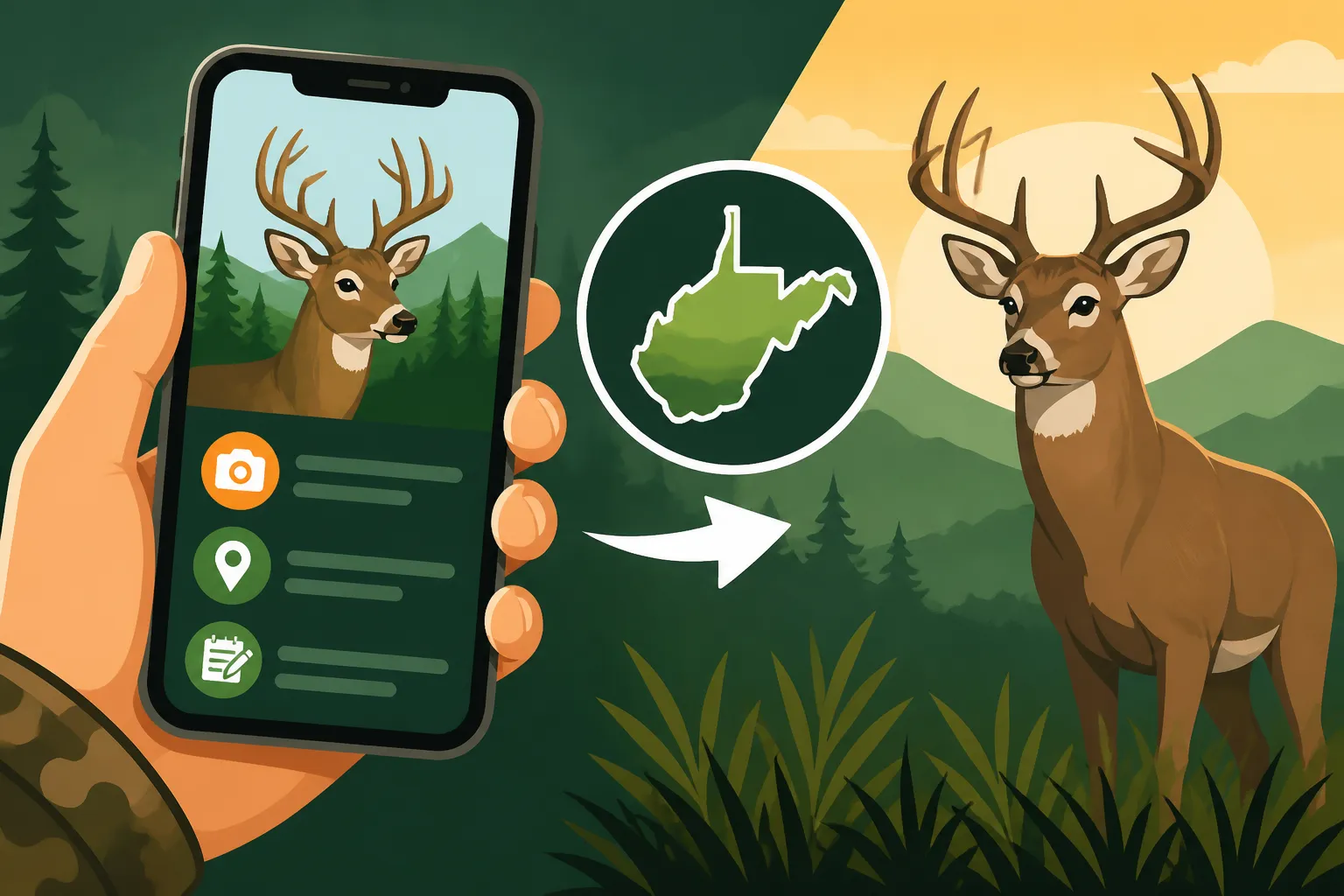
This app is essentially a portable extension of the Go Wild system, tailored for quick, on-the-go interactions. It pulls your license information directly from your Go Wild profile, so there’s no need to re-enter your details every time you report a harvest. This integration is crucial for maintaining accurate records and ensuring that every reported deer is tied back to a legal hunter and license. It’s important to understand that your online Go Wild account and the mobile app are connected; changes or updates made in one are reflected in the other. This interconnectedness ensures that whether you're buying a new stamp online or reporting a deer via the app, all your information remains consistent and up-to-date within the WVDNR's system.
Step-by-Step Guide to Reporting Your Deer via the App
Successfully reporting your deer using the West Virginia app is a straightforward process once you know the steps. It's designed to be intuitive, but knowing what to expect can save you a lot of headache in the excitement and adrenaline rush after a successful harvest.
Before You Even Touch the App: Field Dressing and Tagging
Before you even think about opening the app, there are critical legal and practical steps you must take immediately after harvesting a deer. First, you need to properly tag your animal. Every West Virginia hunting license comes with paper tags. Upon harvesting a deer, you are required to fill out the appropriate deer tag completely, legibly, and immediately. This tag must be securely attached to the deer before it's moved from the place of kill. This is a non-negotiable step and serves as your provisional proof of harvest in the field. Don't skip it, even if you plan to report via the app within minutes.
Next, consider your field dressing. While not directly related to the app reporting, it's a vital part of the post-harvest process. If you're on public land, especially in remote areas like sections of Monongahela National Forest, you might be a long way from the truck. Knowing how to efficiently Field Dressing a Deer in Cold Weather or warmer conditions is crucial for meat preservation. The WVDNR app doesn't change these fundamental responsibilities; it simply modernizes the administrative side.
Downloading and Logging In
First things first: get the app! The official "WV Hunt & Fish" app is available for free download on both Apple App Store for iOS devices and Google Play Store for Android devices. Just search for "WV Hunt & Fish" or "West Virginia DNR."
Once downloaded, open the app. You'll be prompted to log in. This is where your existing Go Wild West Virginia account comes into play. You'll use the same email address and password that you use to log into the main Go Wild website to Buying a License on Go Wild West Virginia. If you're new to the system and haven't created an account yet, you'll need to do that first, either on the website or through the app's sign-up process. Ensure you have your hunting license number handy, as it will link your harvest report to your legal permits. It’s a good idea to download the app and log in before you head out into the woods, just to make sure everything is working correctly and you’re familiar with the interface. Trust me, you don't want to be fumbling with login credentials with bloody hands after dragging a big buck out of a steep hollow.
Entering Harvest Information: The Nitty-Gritty
Once you're logged in, navigate to the "Report Harvest" section. The app will present you with a series of fields to accurately describe your deer and the circumstances of the harvest. Be prepared to provide the following details:
- Species: Select "Deer" (the app also handles turkey and bear).
- Date and Time of Harvest: Be as accurate as possible. This helps the WVDNR track hunting pressure and animal movement patterns.
- County of Harvest: Choose the county where the deer was legally taken. This is crucial for local population management data.
- Weapon Used: Select the legal weapon you used (e.g., archery, crossbow, muzzleloader, shotgun, rifle). This data helps track the impact of different hunting methods on the deer population.
- Sex of Deer: Indicate whether it was a buck or a doe.
- Antler Points (for bucks): If it's an antlered buck, you'll need to count and enter the number of antler points. Remember, in West Virginia, a point must be at least one inch long. This data is vital for assessing buck age structure and herd health.
- Hunting License/Permit Number: This should auto-populate from your login, but always double-check.
It's really important to input this information accurately. The WVDNR uses this data for critical wildlife management decisions, from setting future season dates to understanding local deer populations and tracking the spread of diseases like Chronic Wasting Disease. Inaccurate reporting can skew these vital statistics.
| Information Category | Required Details | Example | Why It's Important |
|---|---|---|---|
| Hunter ID | WVDNR Customer ID or License Number | WV12345678 | Links harvest to your legal license and permits |
| Species | Deer | Deer | Differentiates from other game animals |
| Date of Kill | MM/DD/YYYY | 11/15/2024 | Tracks seasonal harvest timing and trends |
| Time of Kill | HH:MM AM/PM | 8:30 AM | Aids in understanding peak movement times |
| County of Kill | Select from dropdown list | Greenbrier County | Crucial for county-specific population management |
| Weapon Type | Archery, Crossbow, Muzzleloader, Shotgun, Rifle | Rifle | Tracks success rates by weapon type |
| Sex of Deer | Male (Buck), Female (Doe) | Male (Buck) | Essential for buck-to-doe ratio and reproduction data |
| Number of Antler Points | Count all points ≥ 1 inch (for bucks only) | 8 Points (4×4) | Indicates buck age class and herd health |
Confirmation and Proof of Reporting
Once you've entered all the necessary information, review it carefully one last time. If everything looks correct, hit the "Submit" button. The app will then process your report. Upon successful submission, you will receive a confirmation number. This confirmation number is your official proof that you have legally reported your deer. It's a really good idea to write this number down, take a screenshot, or save it in some way.
This confirmation number acts as a digital receipt and is what you'd present if ever asked by a Natural Resources Police Officer for proof of harvest reporting. While the paper tag remains affixed to the deer, the confirmation number from the app validates the digital report. This seamless system ensures compliance with West Virginia Deer Reporting Requirements and keeps you on the right side of the law.
Common Pitfalls and Troubleshooting When Reporting Deer
Even with the convenience of an app, real-world hunting situations can throw a wrench in the best-laid plans. It’s helpful to anticipate some common issues and know how to navigate them.
No Cell Service in the Backcountry
This is perhaps the most common frustration for hunters using modern technology in West Virginia’s rugged terrain. You’ve just arrowed a beautiful buck deep in the Cranberry Wilderness Area, or hauled a big doe out of a remote hollow, only to find you have no signal. It happens! Areas like the Monongahela National Forest, parts of the New River Gorge, or the deepest parts of many WMAs often lack reliable cell service.
The good news is that the WVDNR understands this challenge. You are legally required to tag your deer immediately upon harvest, but you are not required to report it via the app in that exact moment if you don’t have service. The law allows you to report your harvest as soon as practically possible, which means as soon as you get to an area with cell service or internet access. Don't risk venturing into unsafe areas or stressing out over a signal. Focus on safely recovering and handling your deer first. Once you're back in civilization, or at least have a signal, then complete your report. Some hunters even use offline mapping tools like GoHunt, or the WVDNR app's basic map functions, to anticipate dead zones before they head out, helping them plan their reporting strategy.
Incorrect Information Entered
We've all been there: rushing through something, making a typo, or selecting the wrong option in a drop-down menu. What if you accidentally listed your 8-point buck as a 6-point, or picked the wrong county in your post-hunt euphoria? Unfortunately, once a harvest report is submitted through the app, it's typically considered final and cannot be edited by the hunter directly.
If you realize you've made a mistake, it's crucial to contact the WVDNR immediately. You can find their contact information on their official website. Explain the situation clearly, provide your confirmation number, and they can often correct the error on their end. Being proactive and transparent is always the best approach. Don’t just ignore it; accurate data is important, and you want your records to be correct.
App Glitches or Freezing
While generally reliable, like any technology, the app can occasionally glitch, freeze, or experience downtime. This is rare, but it can happen, especially if there's a surge in usage on opening day or if your phone's operating system isn't perfectly updated.
If you encounter an app issue, try these basic troubleshooting steps:
- Close and Reopen: Completely close the app and restart it.
- Restart Your Phone: Sometimes a full phone restart can resolve minor software conflicts.
- Check for Updates: Ensure both your phone's operating system and the WV Hunt & Fish app are updated to the latest versions.
- Try the Website: If the app is completely unresponsive, remember you can also report your harvest via the main Go Wild West Virginia website from a computer or a mobile browser. It's essentially the same portal, just accessed differently.
If persistent issues prevent you from reporting, again, contact the WVDNR. Keep records of your attempts and any error messages you receive.
Legal Implications of Improper Reporting
It's easy to get caught up in the excitement of a successful hunt, but remember that proper harvest reporting is a legal requirement. Failure to report a harvested deer in a timely and accurate manner can lead to fines or other penalties. The WVDNR takes these regulations seriously because accurate data is the backbone of sound wildlife management.
Always carry your valid hunting license and the physical tag while hunting. When you harvest an animal, fill out that tag immediately and attach it. Then, report it through the app or website as soon as you have the means to do so. This simple adherence to the rules ensures you're a responsible hunter and helps the WVDNR continue its important work of managing West Virginia's vibrant deer population. Ignoring the requirements can lead to an unpleasant interaction with a Natural Resources Police Officer, which no one wants after a great day in the woods.
Benefits of Digital Deer Reporting for Hunters and Wildlife Management
The digital reporting system might have felt like a big change for some, but its benefits are undeniable, extending far beyond simple convenience. It represents a significant step forward for wildlife conservation and the hunting experience in West Virginia.
Convenience and Time Savings
Perhaps the most immediately tangible benefit for individual hunters is the sheer convenience. Think about it: no more driving an extra 30 minutes (or more!) out of your way to a check station after a long day of Hunting Steep Allegheny Ridges or dragging a deer. You can be at camp, at home, or still in the field (with service) and complete the report in minutes. This frees up valuable time for processing your deer, relaxing, or spending time with family and friends.
For hunters who travel for their hunts, perhaps coming from out of state or across the state to a specific WMA, this convenience is amplified. It eliminates the need to research check station locations and operating hours, simplifying the logistics of their trip. The ability to complete this obligation on your own schedule, from almost anywhere, has truly modernized the West Virginia hunting experience. It reduces stress and allows hunters to focus on the enjoyment of the hunt itself.
Better Data for WVDNR
From a wildlife management perspective, the digital reporting system is a game-changer. The WVDNR relies heavily on accurate, timely harvest data to make informed decisions about deer populations, season structures, and bag limits. When hunters use the app, the data flows directly into the WVDNR's databases almost instantly. This means biologists have access to real-time information on harvest numbers, buck-to-doe ratios, antler point averages, and more, across every county.
This rich, dynamic dataset allows the WVDNR to:
- Monitor Population Trends: Detect increases or decreases in deer numbers more quickly.
- Assess Herd Health: Track antler quality and age structures, which are indicators of overall health and habitat quality.
- Identify Disease Hotspots: Rapidly see if harvest numbers change in areas affected by Chronic Wasting Disease, for example, which is critical for managing West Virginia's Chronic Wasting Disease Counties.
- Evaluate Season Efficacy: Determine if specific regulations, like antler point restrictions or extended antlerless seasons, are having their intended effect.
- Optimize Future Regulations: Make data-driven decisions for future hunting seasons, ensuring sustainable hunting opportunities for generations to come.
This enhanced data collection benefits everyone by leading to more effectively managed wildlife populations.
Understanding Your County's Harvest Trends
While the primary beneficiary of detailed data is the WVDNR, hunters can also gain insights. While the app itself doesn't provide detailed analytics to individual users, the WVDNR regularly publishes harvest reports and summaries on their website, often broken down by county and weapon type. By reporting accurately, you're contributing to these public datasets.
This allows curious hunters to delve into statistics like "Which West Virginia County Kills the Most Deer" or see the overall success rates for Bowhunting West Virginia's Long Archery Season versus West Virginia's Buck Gun Season. This information can be incredibly useful for planning future hunts, identifying potential new hunting areas, or simply understanding the broader trends of the sport you love. It’s a way for your individual effort to contribute to a larger understanding of West Virginia's deer resource.
Disclaimer
The information provided in this guide is for general informational purposes only and is not intended as legal advice. Hunting regulations and laws can change. Always consult the most current West Virginia Hunting & Trapping Regulations Summary, official WVDNR website, or contact the WVDNR directly for the most accurate and up-to-date information before engaging in any hunting activities.